
One click.A new beginning.
First mouse skills, learned through play.
Click, double-click, drag and scroll. One little adventure at a time.
No sign-up · No ads in the game · Play in a computer browser
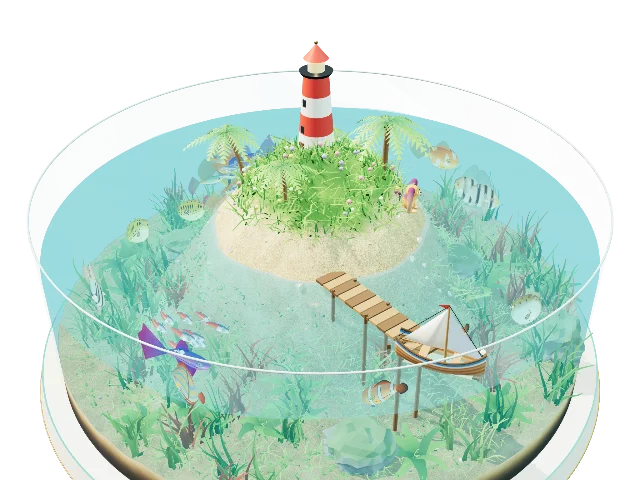
FOUR WAYS TO PLAY
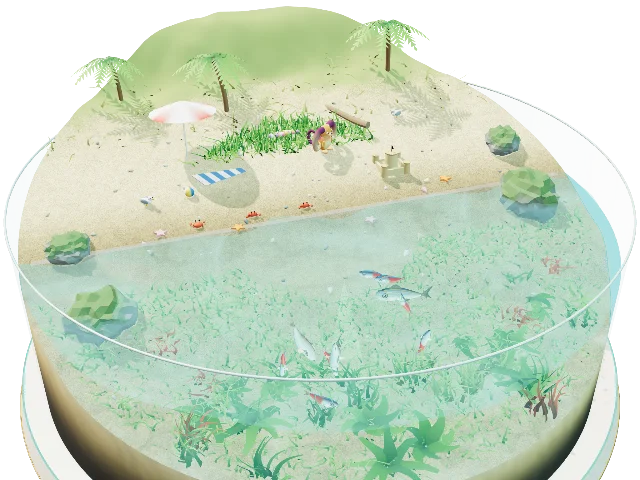
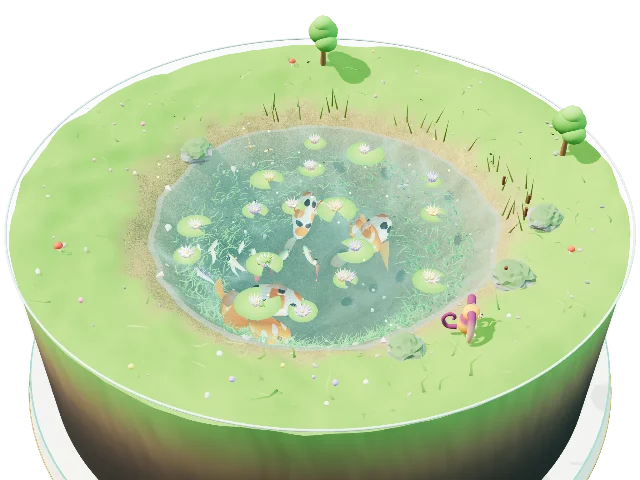
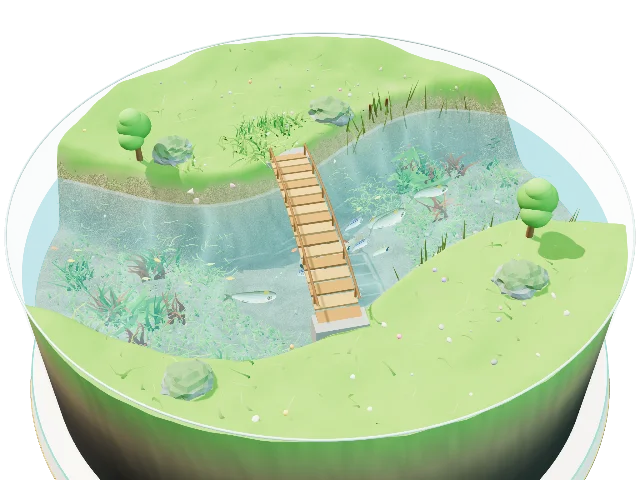
Four skills,
four ways to play.
A little game for each skill. Pick one and jump right in.
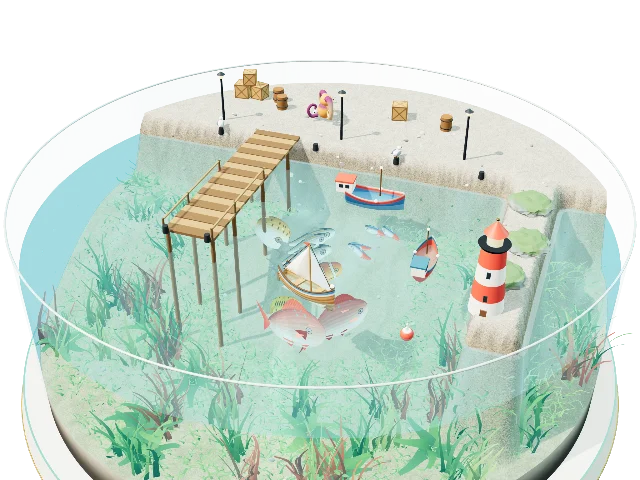

WHY WE MADE THIS
From watching
to doing.
A computer lets you change the world with your own hands.
A chance to go beyond watching: to find something you want to do, and try it yourself.
Children learn so much through play. We wanted to make a place that sparks “I want to try!”
It began with games my five-year-old loved. Now we are sharing them, with practice woven into the fun.
FOR PARENTS
For parents
Designed to help children get started and keep exploring at their own pace.
No sign-up. No in-game ads.
No name or email address needed. There are no ads on the game screen.
Short games. Fresh chances.
Each game is short. Mistakes are part of learning, and children can try again.
See how it works
Animated hands show how to use a mouse or touchpad. The English game uses short instructions.
Anyone taking their first steps with a computer is welcome. Designed with ages 5–7 in mind. Use a computer browser with a mouse or touchpad. Progress stays in your browser. We recommend having a grown-up nearby.
FISH BOOK
A Fish Book
to fill with discoveries.
Catch fish or help them back to the river to add them to your Fish Book. Explore their 3D models, too.
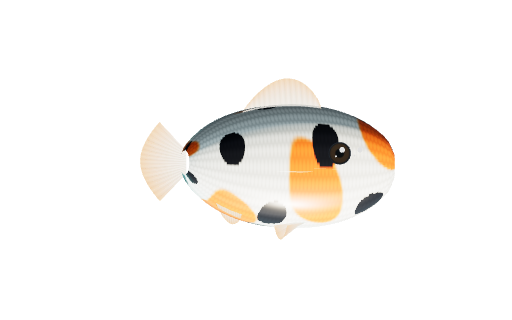 KoiNo.12
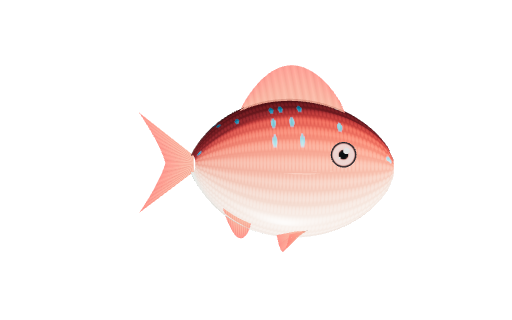 Red seabreamNo.01
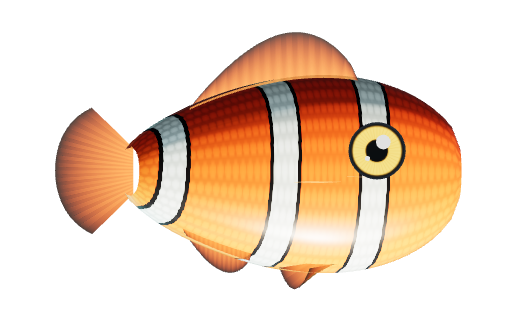 ClownfishNo.03
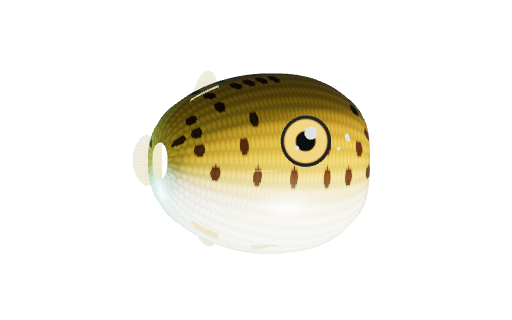 PufferfishNo.06
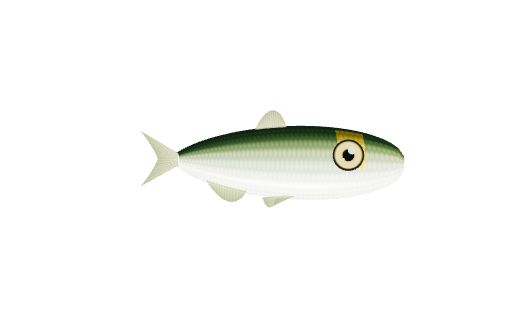 AyuNo.08
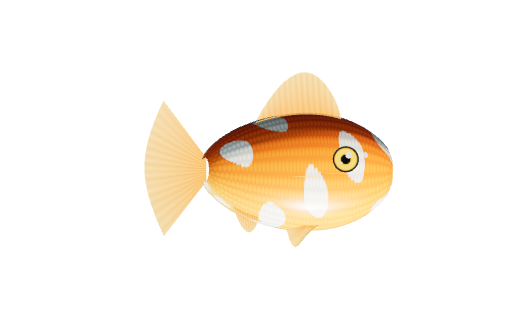 GoldfishNo.05
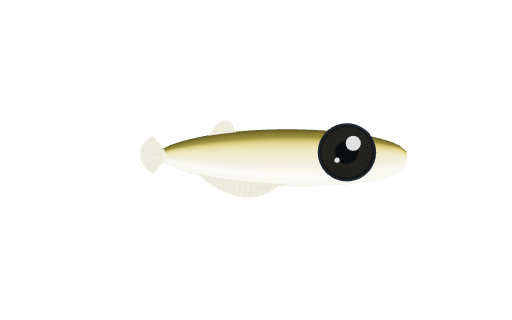 MedakaNo.07
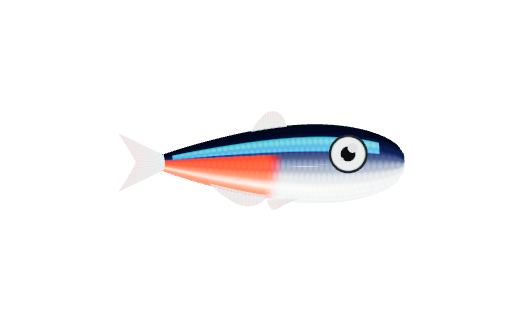 Neon tetraNo.02
Click a silhouette to reveal a fish. There are 16 kinds in the game.
READ
Stories
Ideas for helping children at home. More stories are on the way.
Helping with double-clicks
Finding the click-click rhythm and adjusting the timing.
When dragging gets tricky
Three little steps: hold, move and let go.
First steps with a mouse
Four basic skills, at a pace that suits your child.